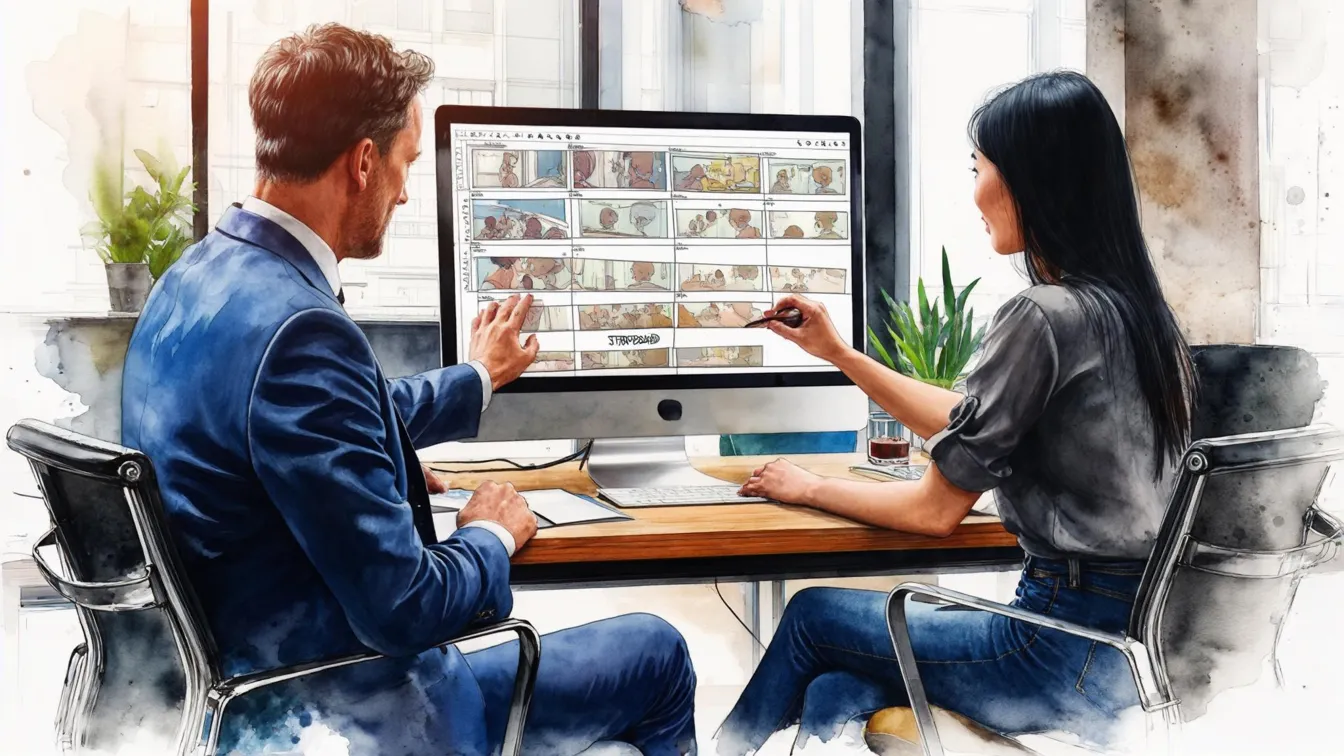
You have the idea. You have the script. Maybe you have been living with this story in your head for months, maybe years. But when it comes time to walk into a room and pitch it -- words alone rarely cut it. People need to see your vision, not just hear about it. That is where a storyboard changes everything. Let me walk you through how to turn your project into a pitch that actually lands.
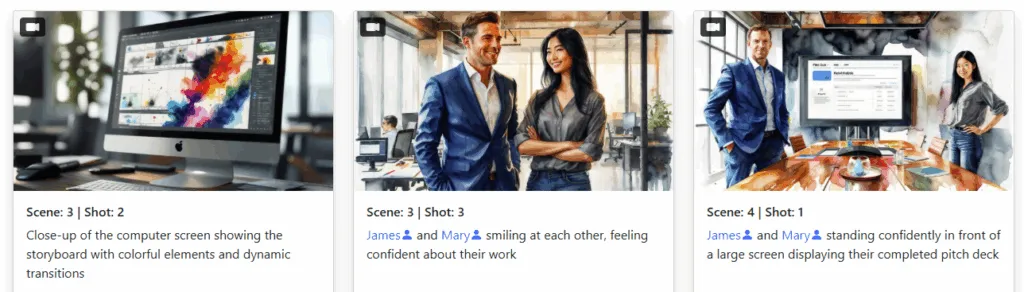
Here is the honest truth: most pitches are forgettable. A producer or investor sits through dozens of them a week. Everyone has a great story. Everyone has passion. But the filmmaker who walks in and shows their vision -- camera angles, mood, pacing, the whole vibe -- that is the one who gets remembered.
A storyboard does something a script or a verbal pitch simply cannot. It collapses the gap between your imagination and theirs. Suddenly, the person across the table is not trying to picture your movie -- they are already watching it. That is a massive psychological shift.
Storyboards help you:
Think of it this way: a script tells someone what your film could be. A storyboard shows them what it will be.
Not every storyboard is a pitch storyboard. When you are boarding for production, you are focused on technical execution -- shot lists, coverage, continuity. A pitch storyboard is different. It is designed to sell. Here is what separates the good ones from the forgettable ones:
Alright, let us get practical. Here is how to go from script to pitch-ready storyboard without losing your mind or your budget:
You do not need to board all 120 pages. Pull out the 8 to 12 scenes that define your story. The hook, the stakes, the emotional core, and the payoff. Think of it like a movie trailer -- you want the highlights, not the whole thing.
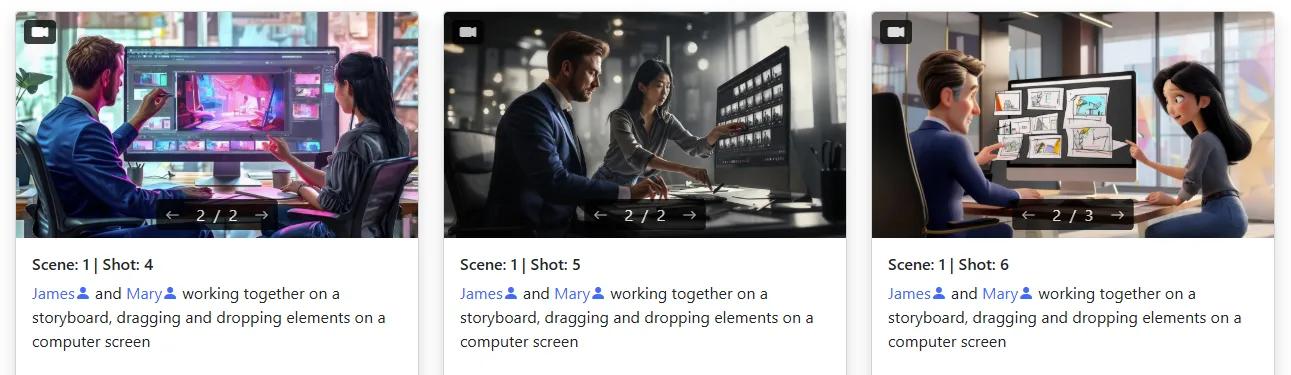
Upload your treatment or scene descriptions into Storyboarder.ai and generate panels for each key moment. The AI handles composition, lighting, and framing based on your descriptions, so you can iterate fast. Do not like a camera angle? Regenerate it. Want a tighter close-up? Just say so.
Once you have your panels, arrange them in narrative order. Make sure the visual flow makes sense -- does each panel naturally lead to the next? This is where you fine-tune. Swap out weaker panels, adjust framing, and make sure your protagonist looks like the same person throughout.
This is where the pitch deck export feature in Storyboarder.ai really earns its keep. Export your storyboard as a clean, professional PDF that you can email, print, or present on screen. It formats everything with your panels, captions, and scene info laid out like a proper pitch document -- not a messy collection of screenshots taped together.
Here is something most people overlook: the same storyboard does not work for every audience. Who you are pitching to changes what you should emphasize.
Producers think in terms of feasibility and schedule. They want to see that you understand shot complexity, locations, and pacing. Your storyboard should demonstrate that you have thought through the production -- not just the creative vision, but how it actually gets made.
Investors care about marketability and audience. Lead with your most visually impressive panels -- the ones that scream "this will look incredible on screen." Keep captions minimal and let the images do the heavy lifting. They are buying the sizzle.
Clients want to see their brand or product looking great. Make sure the storyboard reflects their visual identity and that the narrative clearly serves the brief. Here is where generating multiple design variations in Storyboarder.ai is a game-changer -- you can show three different visual directions in a single meeting without tripling your workload.
One of the most underrated advantages of using AI for pitch storyboards is the ability to explore freely. Want to test three different openings? Show your horror scene in stark black-and-white and then again in neon cyberpunk? Present an intimate drama version and a more stylized take side by side? You can generate all of those variations in minutes -- no extra cost, no waiting two weeks for a storyboard artist to turn around revisions. That kind of creative flexibility used to be a luxury reserved for studios with deep pockets. Now it is available to anyone.
A pitch is not just what you say -- it is what you show. The better you show your story, the faster they say yes. Distill your script to its strongest moments, generate consistent and stylistically sharp storyboard panels, tailor the presentation to your audience, and export a pitch deck that looks like it came from a production with ten times your budget. Storyboarder.ai gives you everything you need to build a pitch deck that looks like a finished film -- so go get that greenlight.
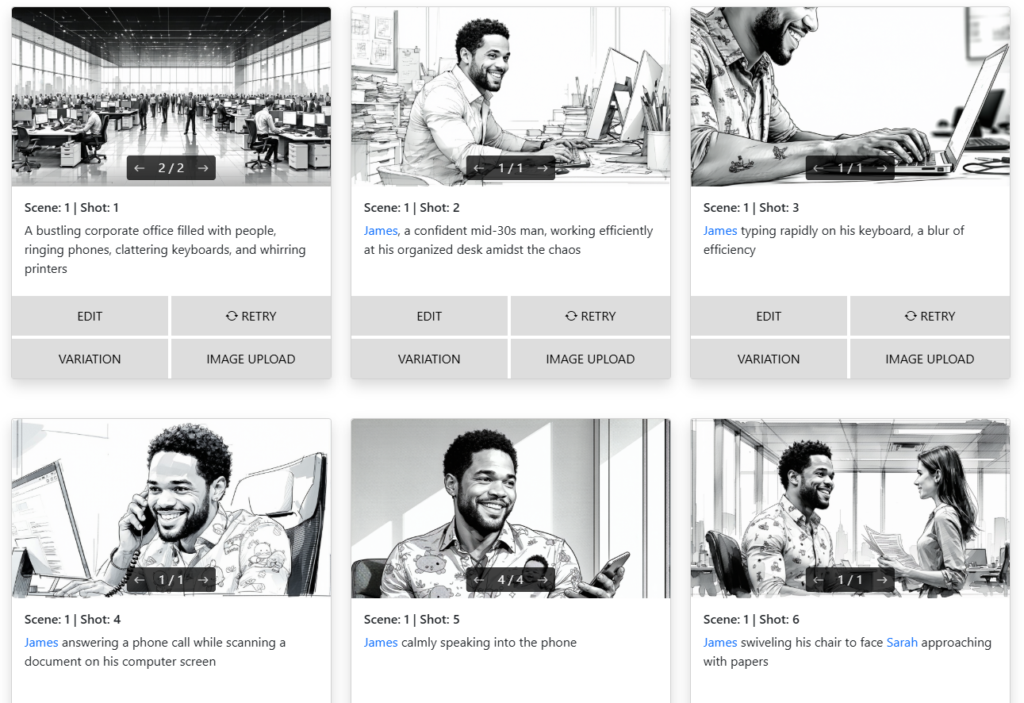
Learn how to storyboard your film or video project using AI — create cinematic storyboards fast, no drawing required.
Read Article →
Why Storyboarder.ai is the top pick for filmmakers worldwide.
Read Article →
Think AI tools are just for short scenes? Here's how filmmakers are storyboarding entire features.
Read Article →