Let's be real for a second: traditional storyboarding has always been kind of painful. You either spent hours hunched over a sketchpad producing frames that barely communicated your vision, or you hired an illustrator and waited days (and spent hundreds) for something you might want to change anyway.
In 2026, that whole process is optional. AI storyboarding tools let you go from a rough idea to a polished, frame-by-frame visual plan in minutes. No drawing skills needed. No expensive freelancers. Just you and your story.
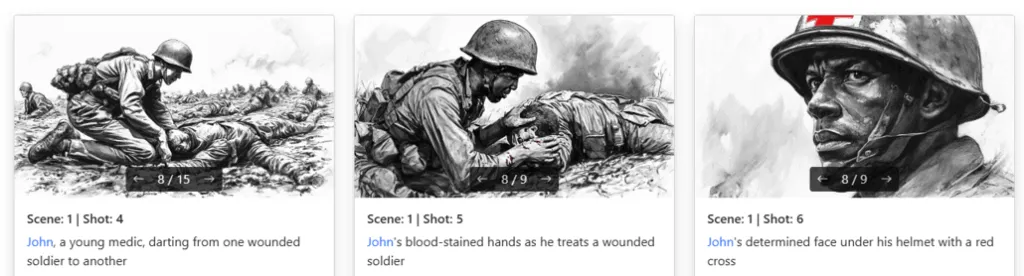
If you're new to filmmaking, here's the quick version: a storyboard is a visual blueprint of your film, commercial, or video project. Think of it as a comic book version of your script. Each panel represents a shot and communicates things like:
It's how directors, DPs, and producers get on the same page before a single camera rolls. Studios use them. Ad agencies live by them. And now, thanks to AI, even solo creators and indie filmmakers can create them without breaking the bank.
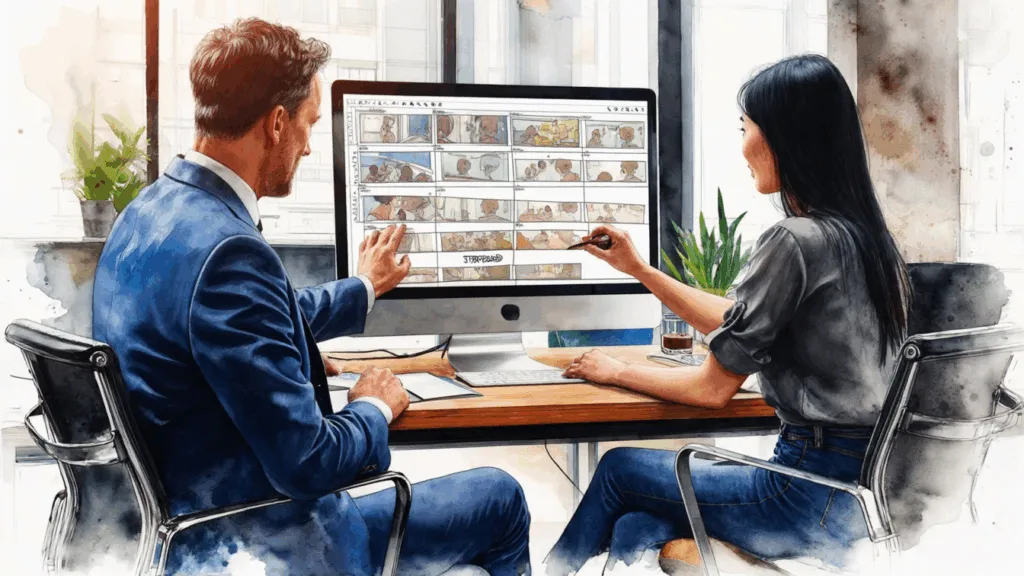
Here's the uncomfortable truth: most filmmakers can't draw. Not well enough to communicate a cinematic vision, at least. And even if you can sketch decent stick figures, that's still not going to impress a producer or help your DP understand the exact framing you have in mind.
Hiring a storyboard artist? Great option if you've got $2,000-5,000 and a few weeks to spare. For most projects, that's just not realistic.
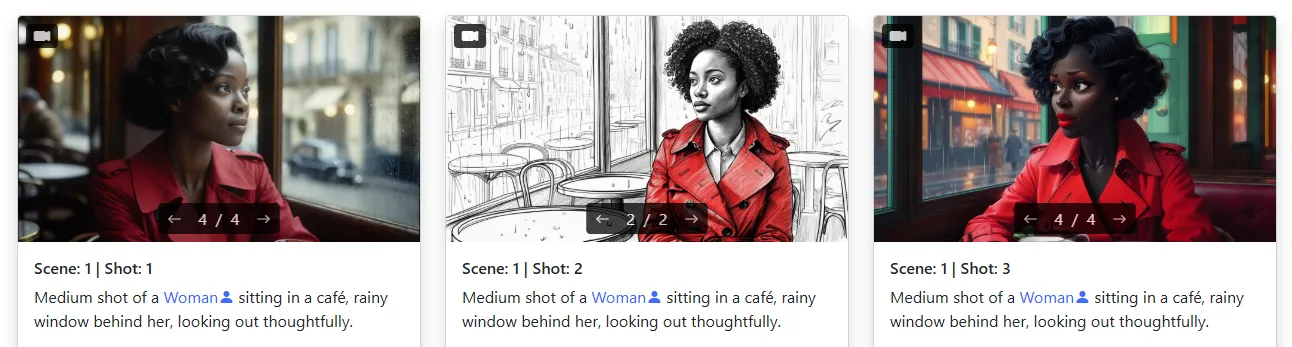
That's exactly why AI storyboarding tools like Storyboarder.ai exist. You describe what you see in your head, and the AI generates cinematic frames that actually look like your film. It's fast, it's flexible, and you can iterate endlessly until every shot feels right.
Here's the actual workflow. It's simpler than you think:
Upload your screenplay (PDF, FDX, Fountain, Word, TXT -- whatever you've got), import a shot list via Excel, or just type a concept into the prompt field. You don't need a finished script. Even a rough paragraph describing your scene works.
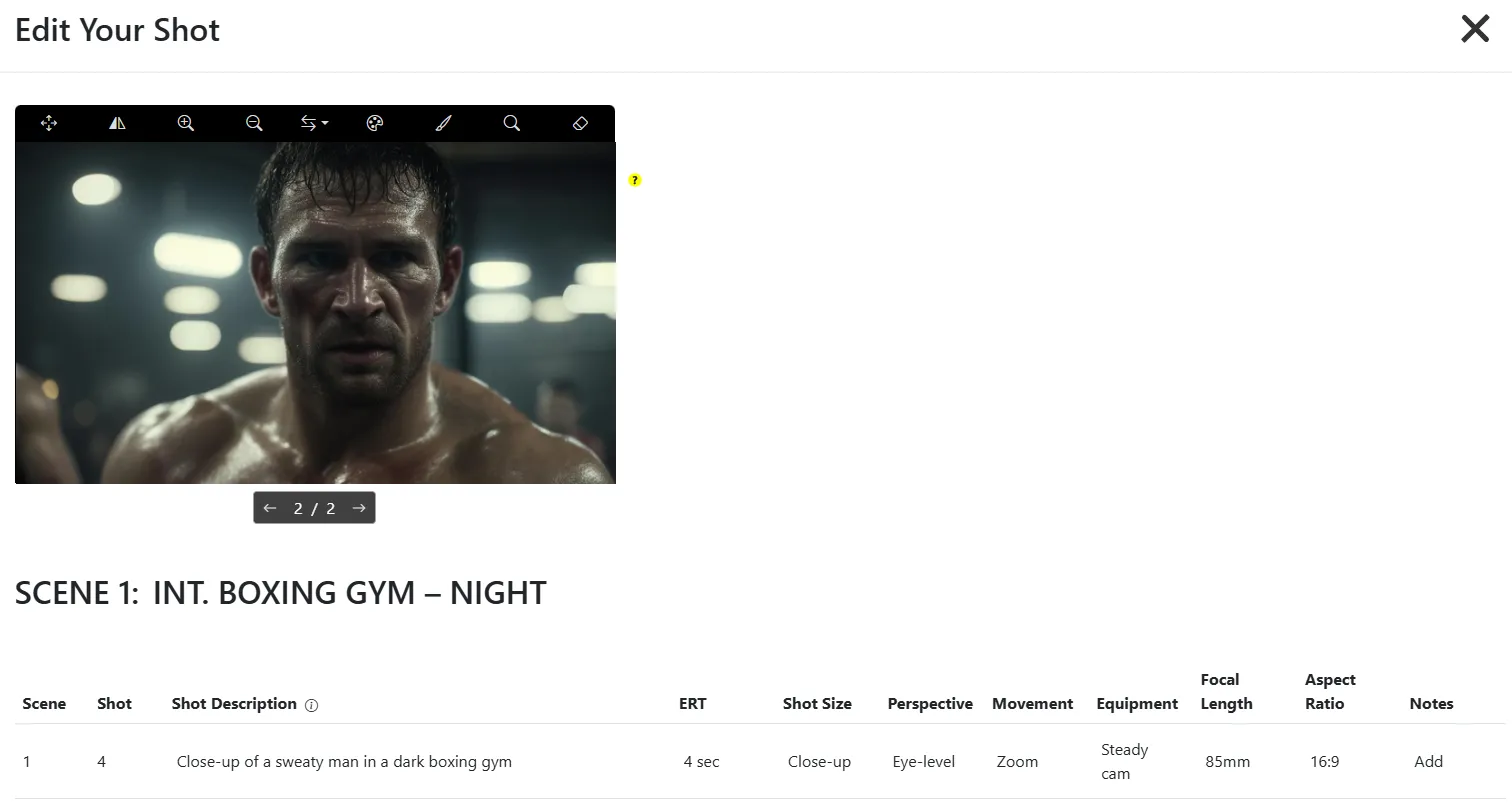
The AI automatically analyzes your input and generates a scene breakdown with a shot list. It suggests camera angles, shot sizes, and framing for each beat. You can accept the suggestions or tweak everything manually.
Choose from built-in styles (comic book, photoreal, anime, noir, watercolor) or upload your own reference image. The AI will apply that visual language across your entire storyboard so it looks cohesive.
This is where it gets really good. Upload a reference photo or describe your character's appearance, and the AI locks in their look -- face, clothing, body proportions -- across every single frame. No more characters randomly changing appearance between shots.
Hit generate and watch your storyboard come to life. Don't love a frame? Regenerate it. Want a different angle? Adjust the shot description and try again. Image generation is unlimited on all paid plans, so there's zero pressure to get it right on the first try.
Once your frames look great, you can convert them into video animatics with camera movement, transitions, and even audio. It's the fastest way to go from static boards to a moving preview of your film.
AI is only as good as what you give it. Here are some things we've learned from watching thousands of users create storyboards:
Honestly? Everyone who works with moving images. We see indie filmmakers using it to plan their shorts, ad agencies using it to pitch concepts to clients, production companies using it for pre-visualization on feature films, and film students using it to learn visual storytelling without needing illustration skills.
If you have a story to tell and you want to see it before you shoot it -- this is your tool.
You don't need to know how to draw. You don't need a massive budget. You don't need weeks of lead time. You just need your vision and the right tool to bring it to life. AI storyboarding isn't replacing creativity -- it's removing the barriers that kept most people from expressing it visually.
Win over producers, investors, or clients with a cinematic storyboard pitch.
Read Article →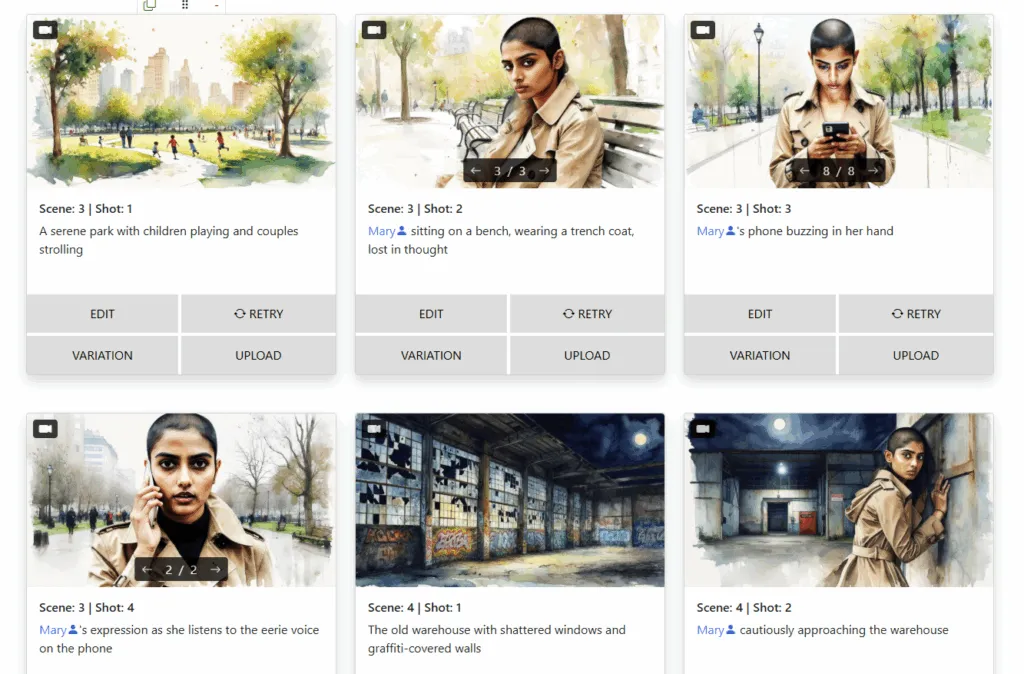
Learn the tricks pros use to keep faces, outfits, and vibes aligned across every frame.
Read Article →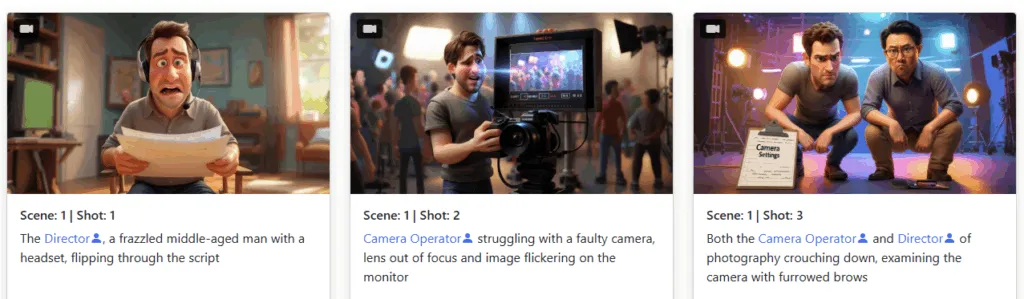
Avoid the most common storyboarding pitfalls with these AI-powered solutions.
Read Article →