Storyboards are the blueprint of every great film, commercial, and music video. They turn the chaos inside your head into something a crew can actually follow. But here's the thing -- even experienced filmmakers trip over the same storyboarding mistakes again and again. We've seen it happen on indie shorts, agency pitches, and even bigger productions that really should know better.
The good news? Most of these problems have a surprisingly simple fix now that AI storyboarding tools exist. Let's walk through the ten biggest offenders and talk about how to crush each one.
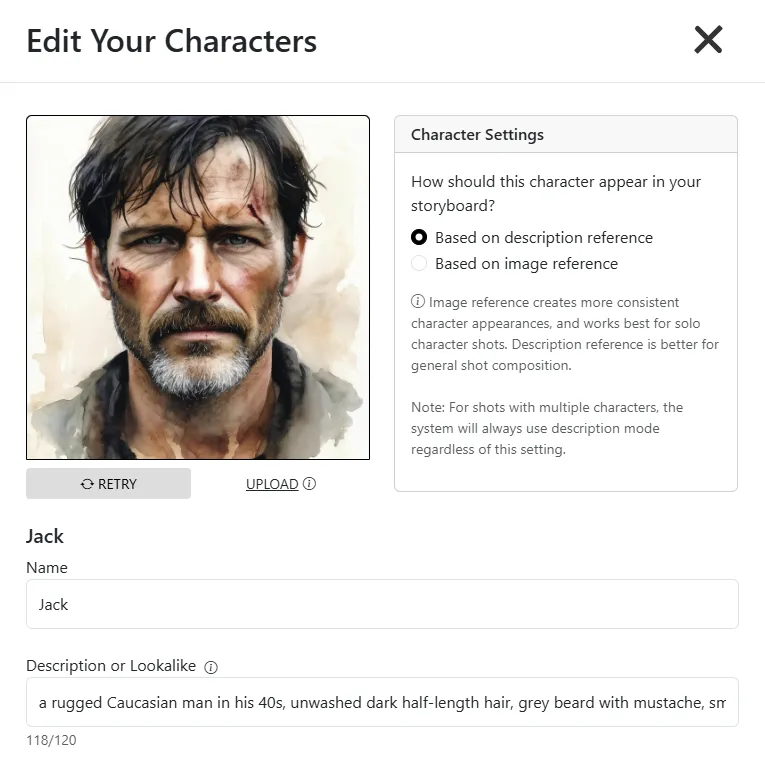
We get it -- you're moving fast, and "tall guy in a leather jacket" feels like enough to get started. But when your storyboard artist (or your own sketch skills) interprets that differently in every single panel, your crew has no idea what the character actually looks like. Is the jacket brown or black? Is the guy 25 or 55? These details matter more than you think, especially when you're handing boards off to a costume department or a DP who needs to plan lighting around skin tones and wardrobe.
How AI fixes it: With Storyboarder.ai, you write detailed character prompts once and save them as reusable characters. Every time that character appears in a new panel, the tool pulls from that same description. No more guesswork, no more "wait, is that supposed to be the same person?"
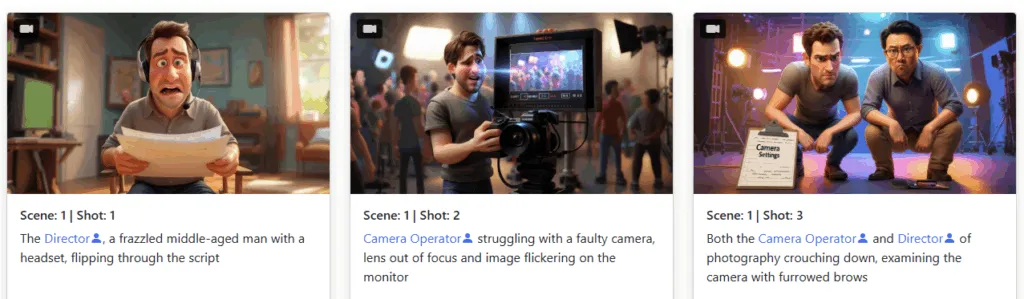
This one is sneaky. You start storyboarding with a gritty, realistic look because that matches your film's tone. Then halfway through, a new artist jumps in -- or you switch reference images -- and suddenly your boards look like two completely different projects stitched together. It confuses everyone in the room during a pitch, and it makes your pre-production package look amateur.
How AI fixes it: On Storyboarder.ai you lock in a single art style for the entire project. Whether you want cinematic realism, graphic novel aesthetics, or something more stylized, every generated frame stays visually cohesive from the first panel to the last.
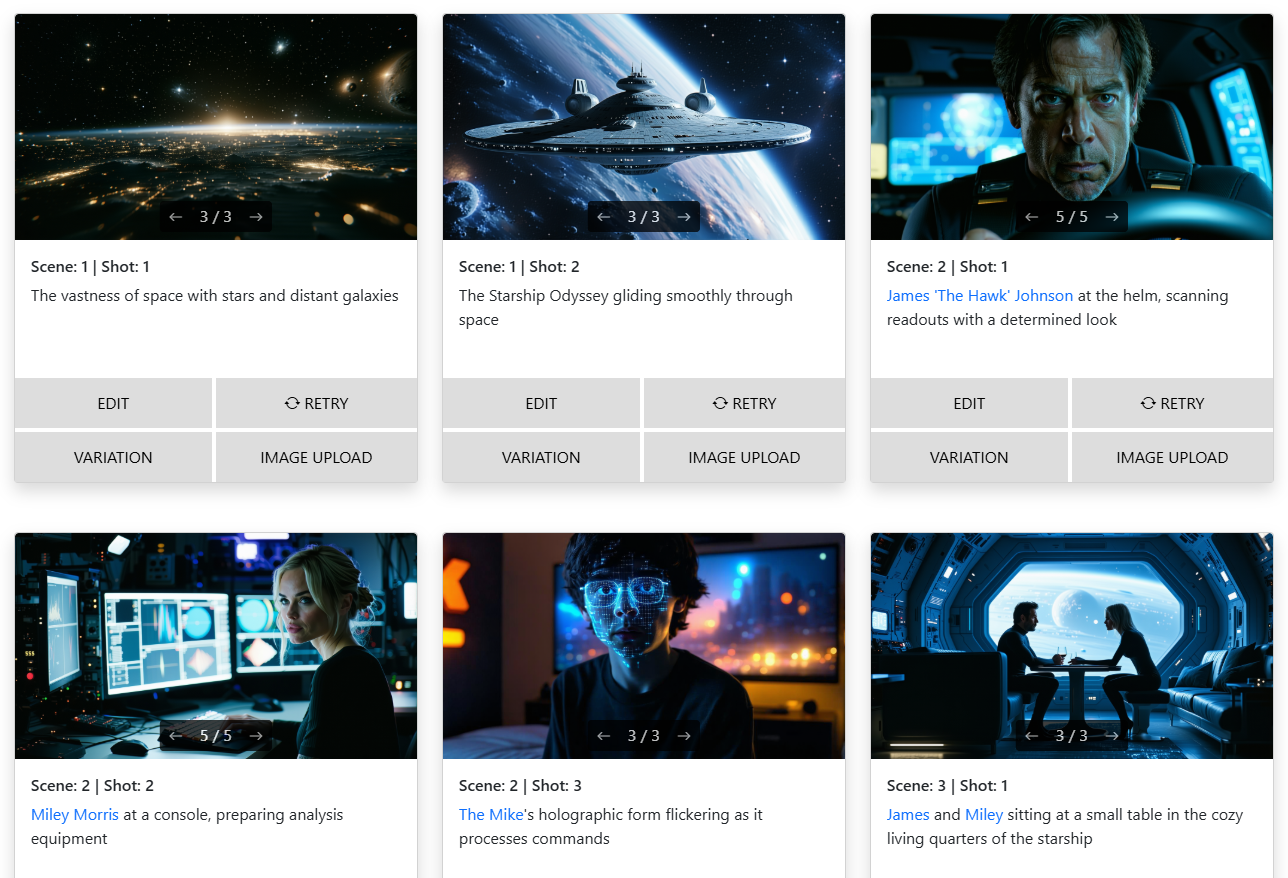
Flat, center-framed, eye-level everything. We've all seen boards that look like surveillance camera footage -- technically showing the scene, but completely missing the visual storytelling. A storyboard should communicate the energy of a shot: is it a low-angle hero moment? A claustrophobic close-up? An expansive wide that establishes loneliness? If your boards don't communicate that, your shoot day is going to be a lot of improvising.
How AI fixes it: Storyboarder.ai lets you specify camera angles, lens types, and framing directly in your prompts. Ask for a "Dutch angle medium shot" or a "bird's eye wide" and get something that actually looks like a real film frame -- not a flat diagram.
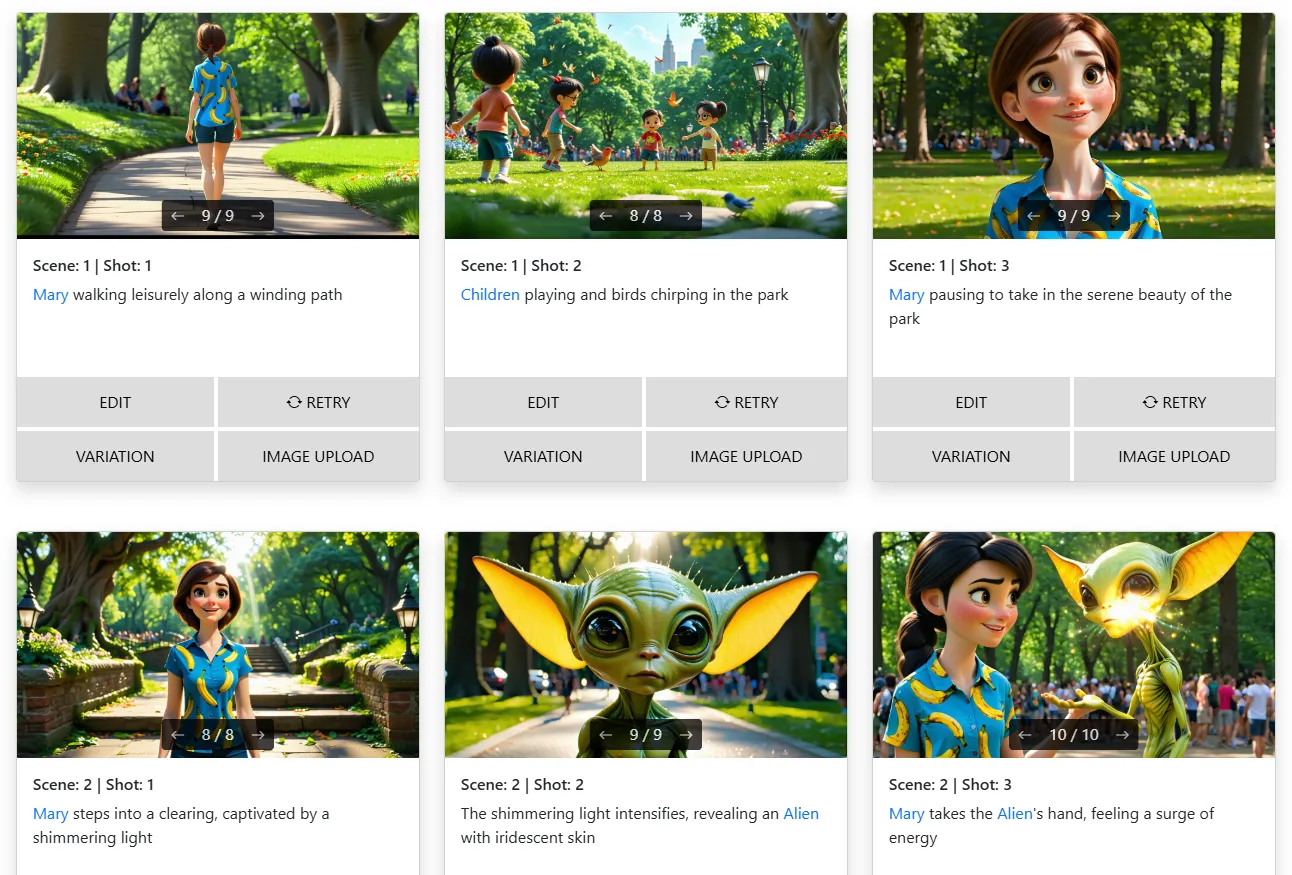
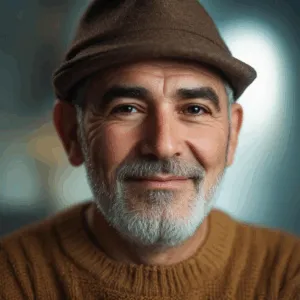
This is the classic AI storyboarding headache, but it also plagues traditional boards when multiple artists collaborate. Your lead character looks like three different actors across a 30-panel sequence. It's distracting and it undercuts the whole point of having storyboards in the first place -- visual clarity.
How AI fixes it: Upload reference images for your characters and use Storyboarder.ai's variation controls to keep faces locked in. The tool learns from your references and maintains consistency, so your protagonist actually looks like the same person across your entire project.

Picture this: in panel one, your character is standing on the left side of the room holding a coffee cup. In panel two, they're suddenly on the right with no cup in sight. Where did the coffee go? Did they teleport? Your editor will have questions. Continuity errors in storyboards lead to continuity errors on set, and those lead to expensive reshoots or awkward cuts in the edit bay.
How AI fixes it: The Iterate feature in Storyboarder.ai lets you modify specific elements within an existing frame without regenerating everything from scratch. Change the camera angle or the action while keeping props, positions, and blocking consistent throughout your scene.
Storyboards full of blank-faced mannequin people don't tell anyone how a scene should feel. Is the character terrified? Heartbroken? Quietly furious? That emotional information needs to live in the boards because it shapes everything from the actor's performance to the lighting design. When every face is a neutral placeholder, you're leaving your most important storytelling tool on the table.
How AI fixes it: Prompt specific facial expressions and emotional states directly -- "nervous sideways glance," "tears streaming, jaw clenched," "wide-eyed surprise." Storyboarder.ai renders these nuances so your boards actually communicate the emotional beats of each scene.
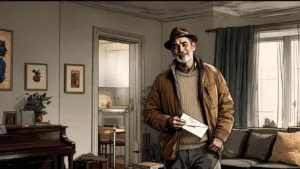
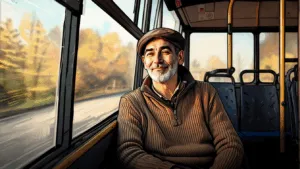
Ah yes, the classic "floating heads in a white void" storyboard. We've all done it when we're rushing. But backgrounds aren't just decoration -- they establish location, time of day, mood, and production requirements. Your production designer needs to see what's behind the actors. Your location scout needs to know what kind of space you're imagining. Blank backgrounds give them nothing to work with.
How AI fixes it: Upload your actual location photos as references, or describe the environment in your prompt and let Storyboarder.ai generate a fitting background. In seconds you go from empty white space to a fully realized scene that tells your crew exactly where the action takes place.
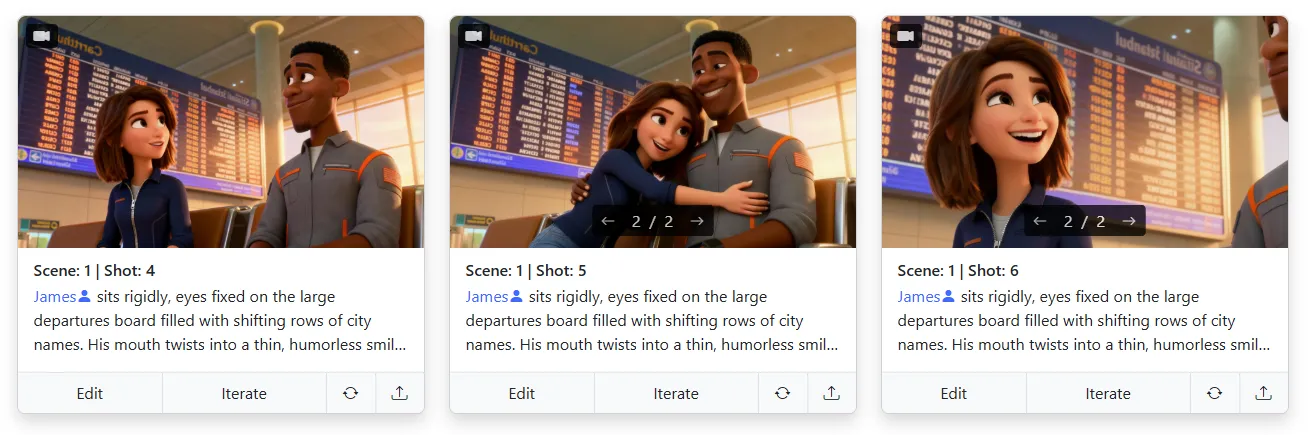
Committing to a single shot choice before exploring alternatives is one of the most expensive mistakes in filmmaking -- you just don't realize it until post. Maybe that wide shot should have been a close-up. Maybe the over-the-shoulder angle would have been way more intimate. But you only boarded one option, so that's what you shot, and now you're stuck with it.
How AI fixes it: Generate multiple versions of the same scene in minutes. Try the wide, the close-up, and the unconventional angle. Compare them side by side. Share them with your DP and your producer. Making creative decisions when the cost is a few seconds of generation time beats making them when the clock is ticking on set.
There's nothing wrong with hand-drawn storyboards -- they can be beautiful. But when your pitch is tomorrow and you have 80 frames to produce, the math just doesn't work. We've talked to filmmakers who spent entire weekends sketching boards for a presentation that lasted 15 minutes. That's time you could have spent refining your shot list, rehearsing with actors, or honestly just sleeping before a big shoot day.
How AI fixes it: Generate 20 polished frames in about 5 minutes. Seriously. That kind of speed doesn't just save time -- it fundamentally changes how you approach pre-production. You can board entire sequences that you never would have bothered visualizing before, and focus your creative energy on directing rather than drawing.

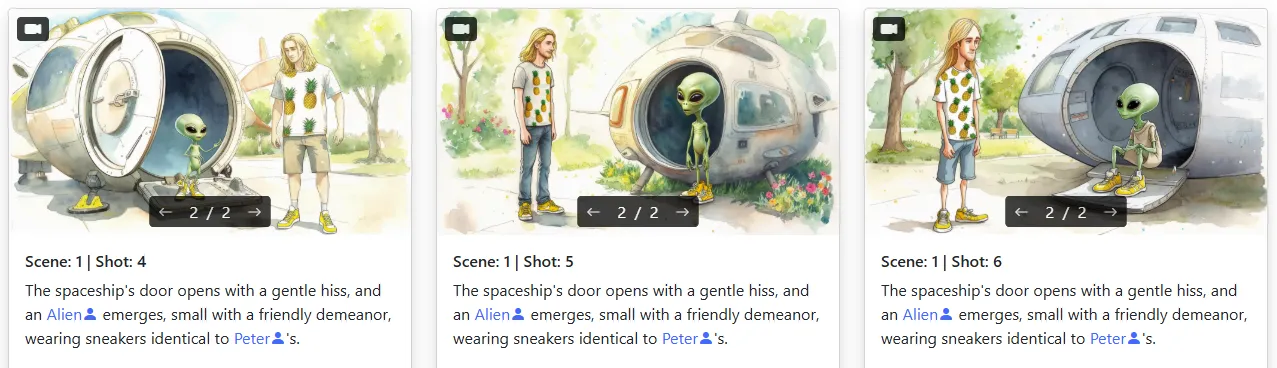
Static boards are great for planning, but they can't communicate pacing. How long does this shot hold? How fast is the camera move? What does the transition between scenes actually feel like? When you walk into a pitch meeting with only still frames, you're asking everyone to imagine the rhythm of your film -- and that's a big ask, especially when money is on the line.
How AI fixes it: Storyboarder.ai's image-to-video feature turns your static frames into moving animatics. Add subtle camera movements, hold on key moments, and build a rough cut that shows investors, clients, or collaborators exactly how the final piece will flow. It's the difference between showing someone a blueprint and walking them through the building.
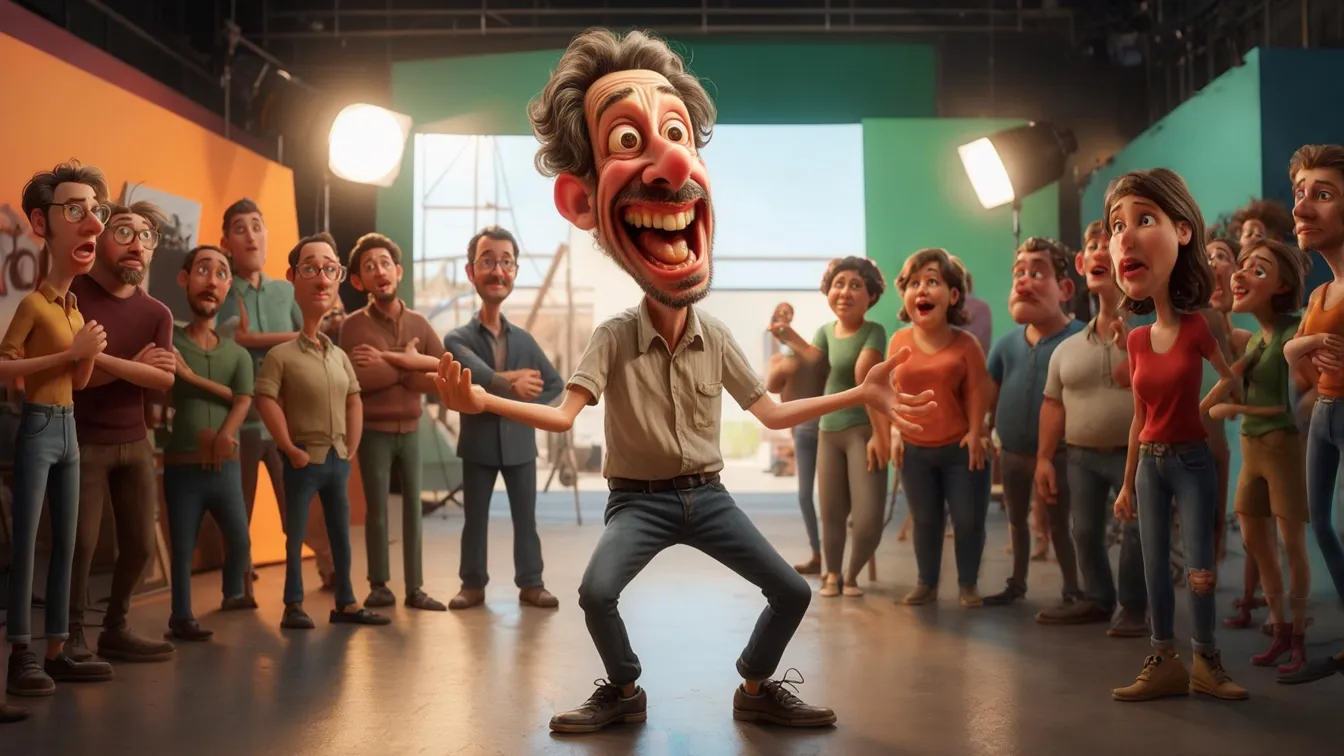
Every filmmaker makes these mistakes at some point -- the difference is whether you keep making them. AI storyboarding tools don't replace your creative vision; they remove the friction that gets between your ideas and a finished board. Let Storyboarder.ai handle the heavy lifting so you can focus on what actually matters: telling amazing stories. Give it a try and see how fast your pre-production workflow can really be.
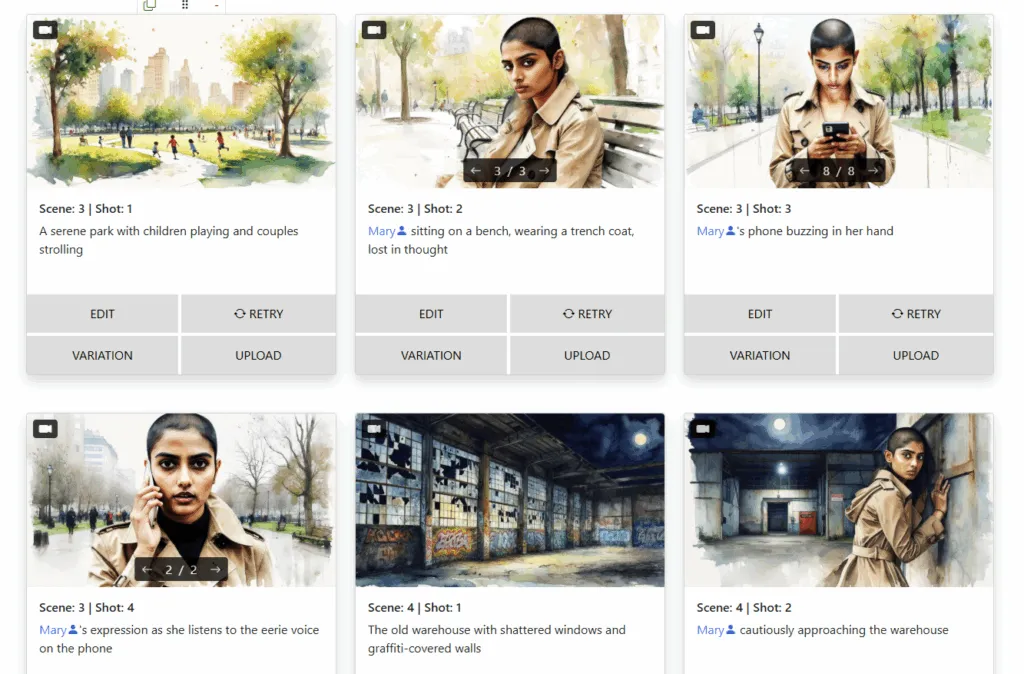
Learn the tricks pros use to keep faces, outfits, and vibes aligned across every frame.
Read Article →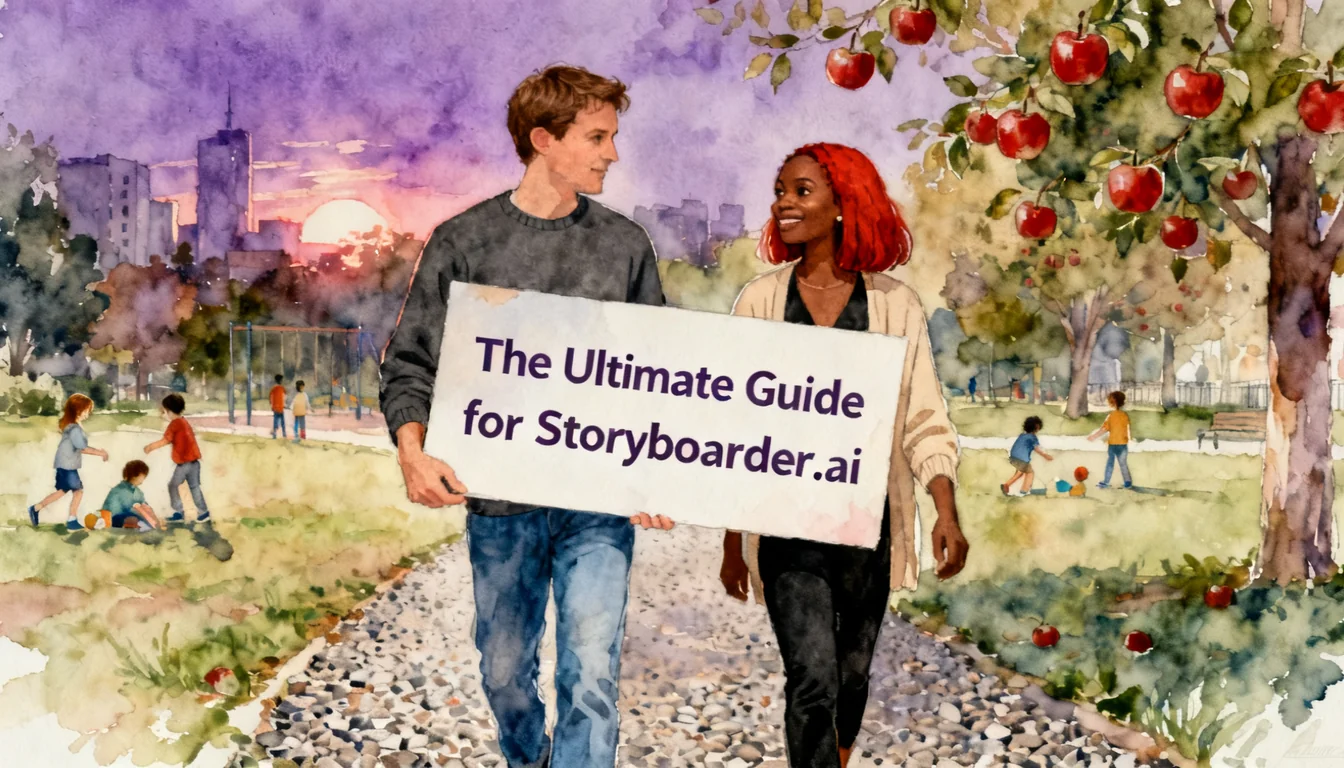
The complete guide — location drift, wardrobe changes, camera angles, unwanted characters, logos, and the features that fix them all.
Read Article →
Think AI tools are just for short scenes? Here's how filmmakers are storyboarding entire features.
Read Article →